Delete Expense
About
Going to show you how to delete an expense in Goalpense.
Video
Tutorial
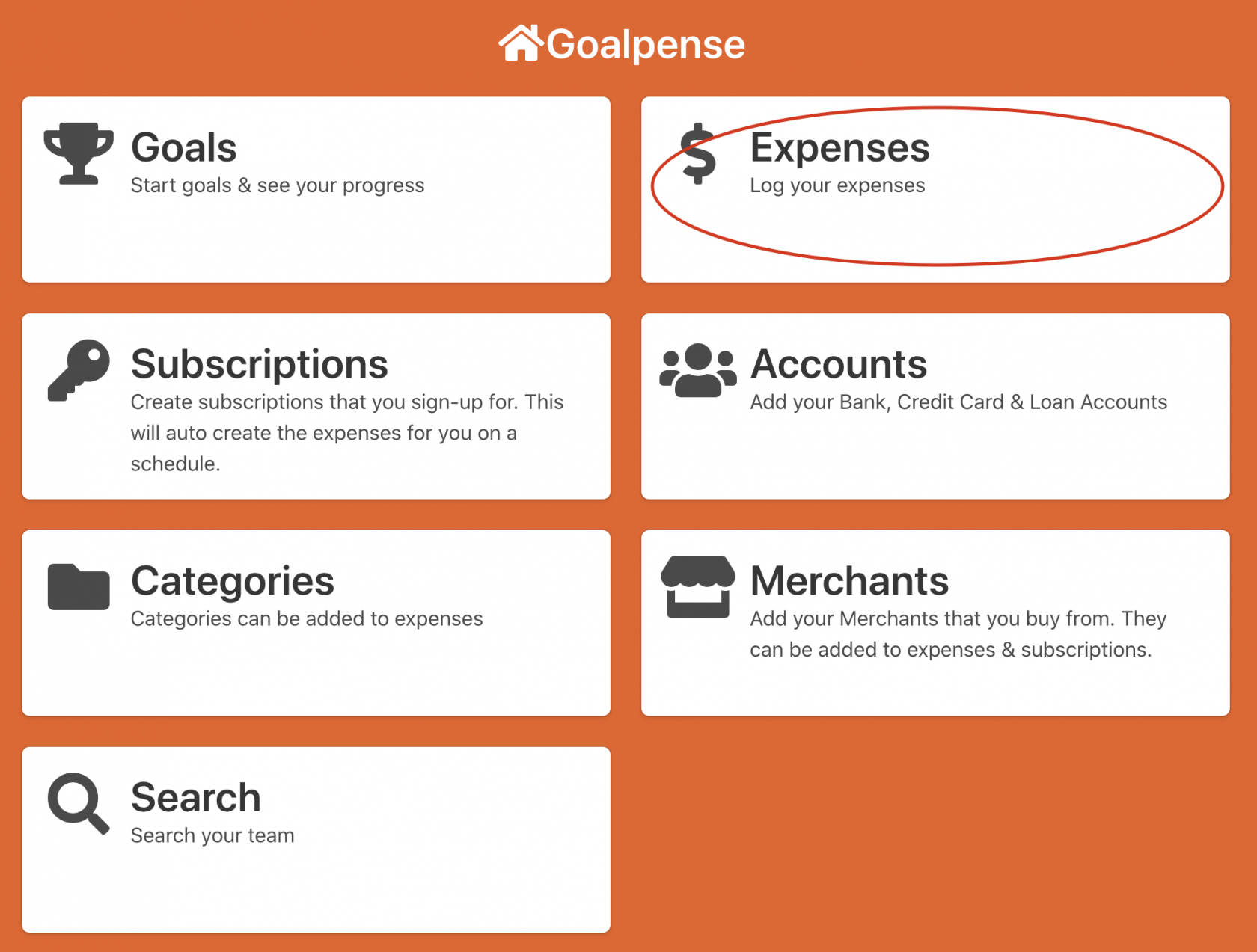
The first step to create an expense is to go to the Expenses on the Dashboard:
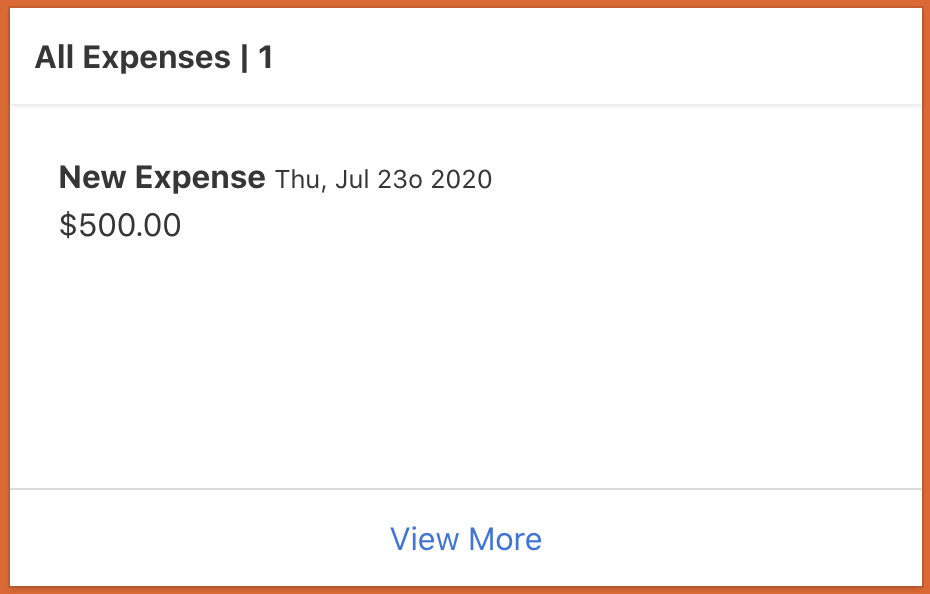
Now you need to click one of your expenses that you're wanting to delete.
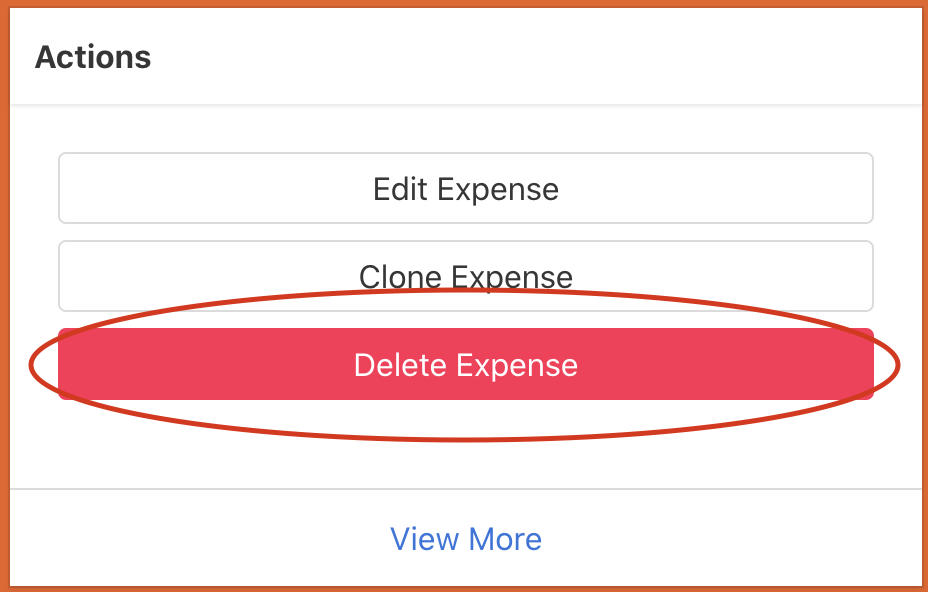
To delete an expense you need to click the Delete Expense button.
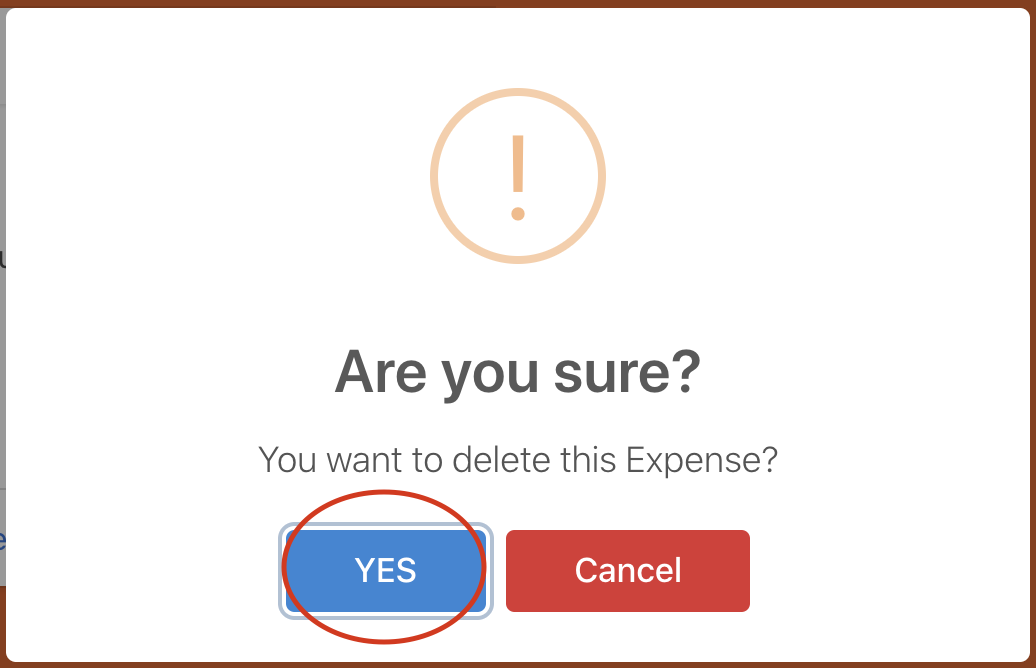
When you clicked the Delete Expense button it's going to make sure you meant to click it with a confirmation alert. Just click the blue button.
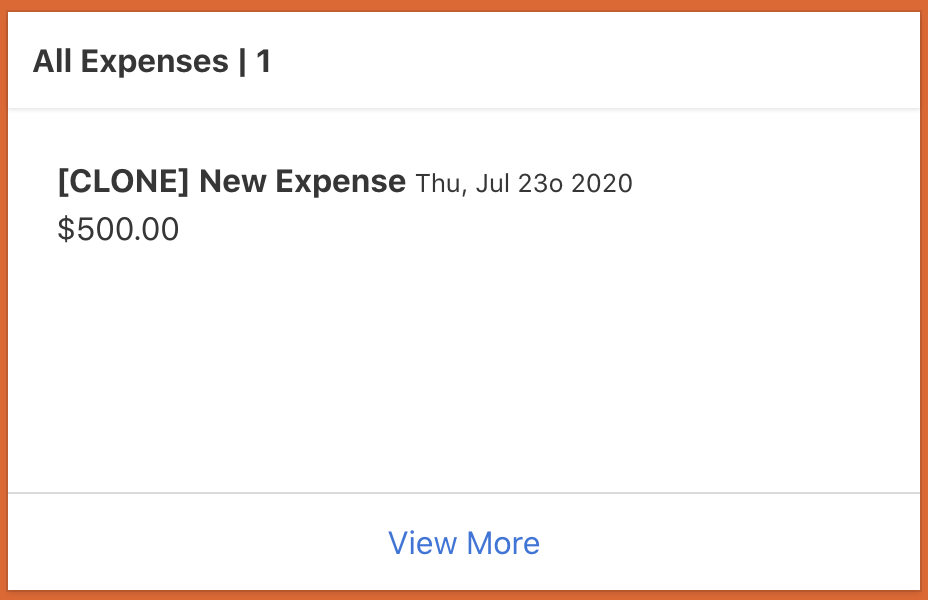
You now should not see the expense in the All Expenses box.
Congrats you have now deleted the expense!